
Clean print and PDF, built for Edge.
Print, PDF, or screenshot any page — without the junk.

Built for the whole web










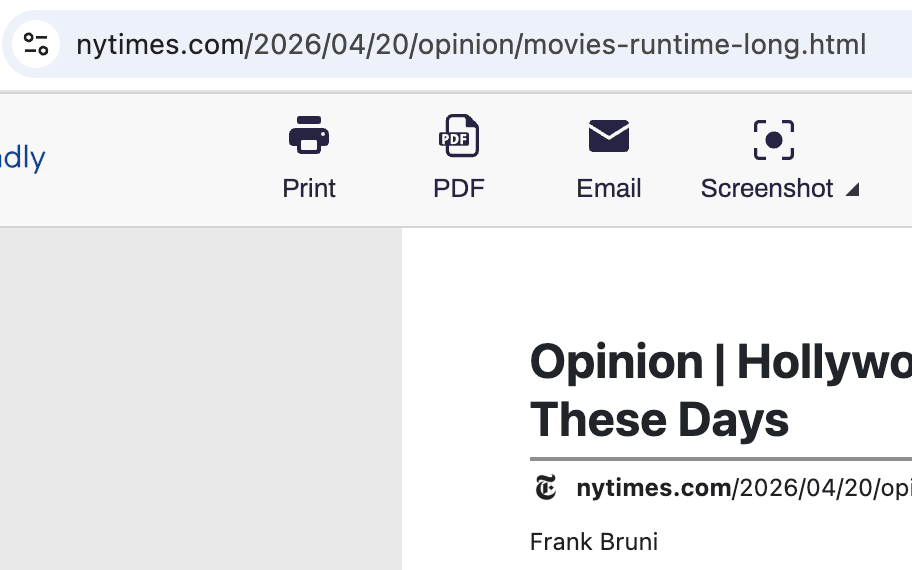
PDF EXPORT
Convert any Microsoft Edge page to PDF
Export clean, professional PDFs from Microsoft Edge without ads, headers, or navigation. Non-Latin and right-to-left text work out of the box. Pick A4 or Letter, adjust margins, and download in one click.

CLEAN PRINT
Print cleanly from Microsoft Edge
Pull ads, pop-ups, navigation, and footers off the page before you print in Edge. Remove whole sections at once, or use click-and-drag to clear several.
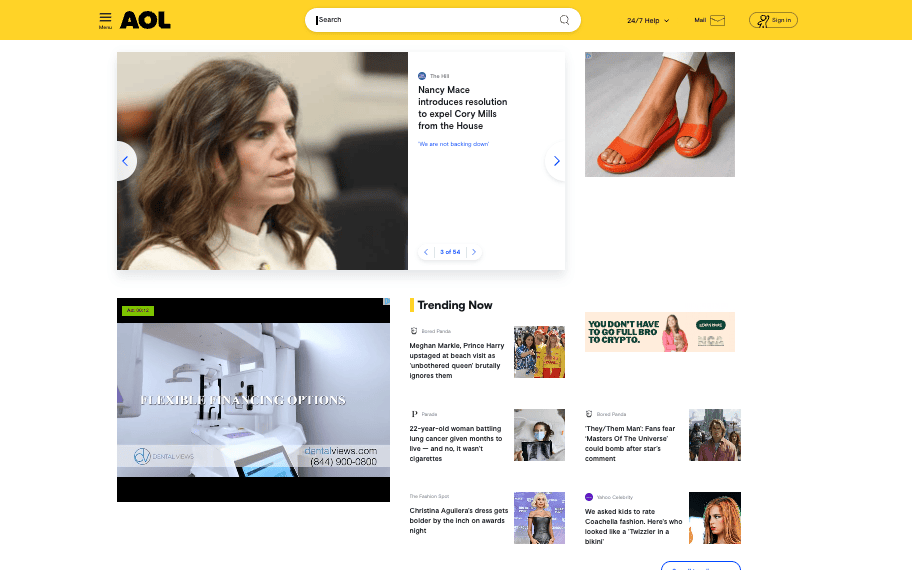
SCREENSHOTS
Edge screenshots, end to end
Capture any page in Microsoft Edge with one click — even on sites with iframes, dynamic content, or complex layouts. Save as PNG, JPG, or PDF.
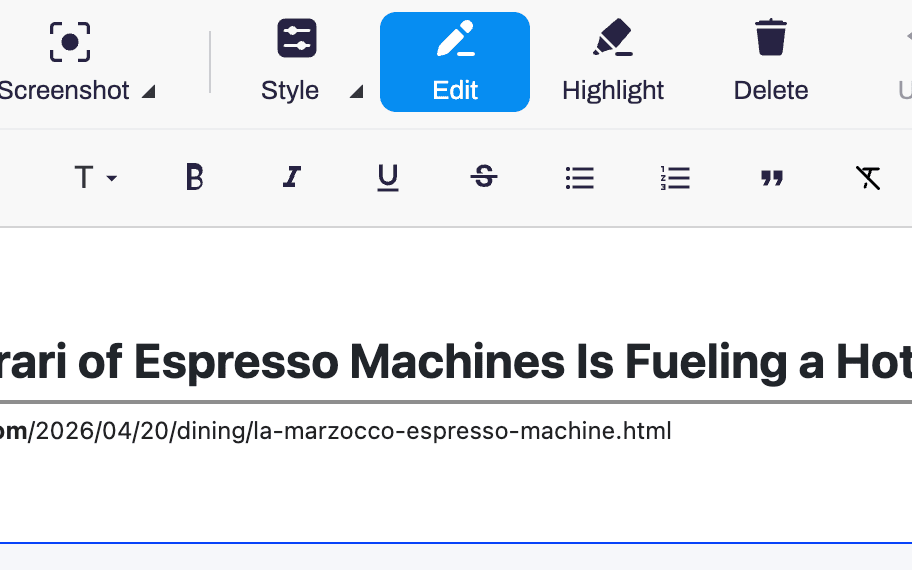
EDIT & HIGHLIGHT
Edit Edge pages before exporting
Change text, tweak font size, drop images, and highlight the good parts. Full-screen editor with undo, built into the Edge extension.
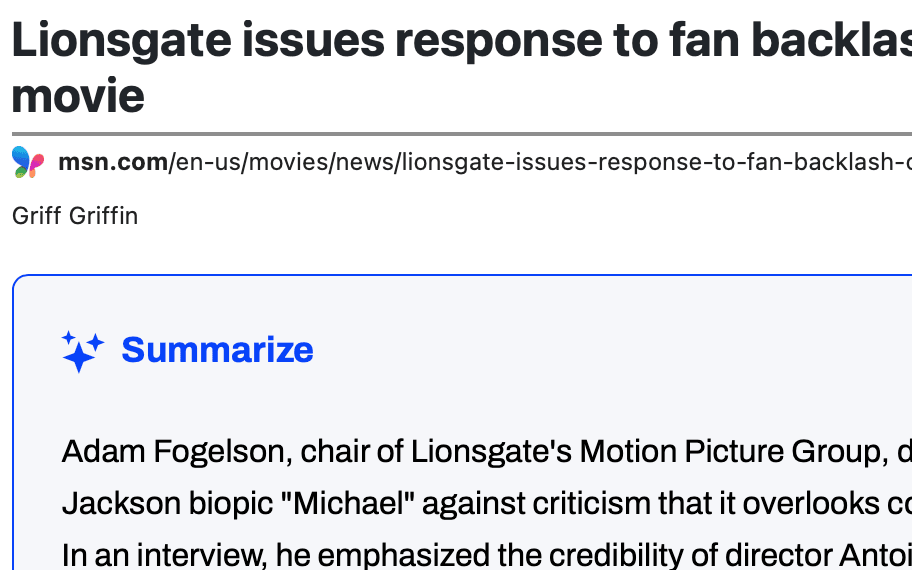
AI SUMMARIES
AI page summaries in Microsoft Edge
Generate an AI summary of any page in Edge, right inside the toolbar. Skim long articles and research without reading every word.
Frequently asked questions
Can my organization deploy PrintFriendly to Edge at scale?
Yes. PrintFriendly is distributed through the Microsoft Edge Add-ons store, which supports enterprise deployment through Edge group policy.
Does PrintFriendly for Edge work on Windows and Mac?
Yes. The extension works in Microsoft Edge on both Windows and macOS.
Is PrintFriendly for Edge free?
Yes, the extension is free.