
Clean print and PDF on Mac and iPhone.
Turn any page into a clean PDF or print — right from Safari.

Built for the whole web










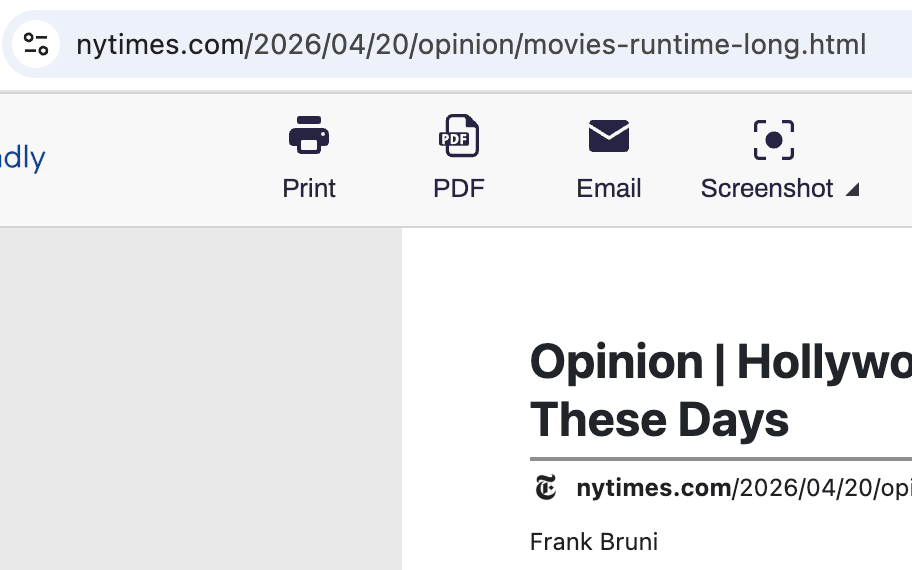
PDF EXPORT
Turn Safari pages into polished PDFs
Save any page on Mac, iPhone, or iPad as a clean PDF — no ads, headers, or navigation clutter. Non-Latin and right-to-left languages supported. Pick A4 or Letter, set margins, done.

CLEAN PRINT
Print from Safari without the mess
Pull ads, pop-ups, navigation, and footers out of the page before printing in Safari. Delete mode removes whole sections; click-and-drag takes out several at once.
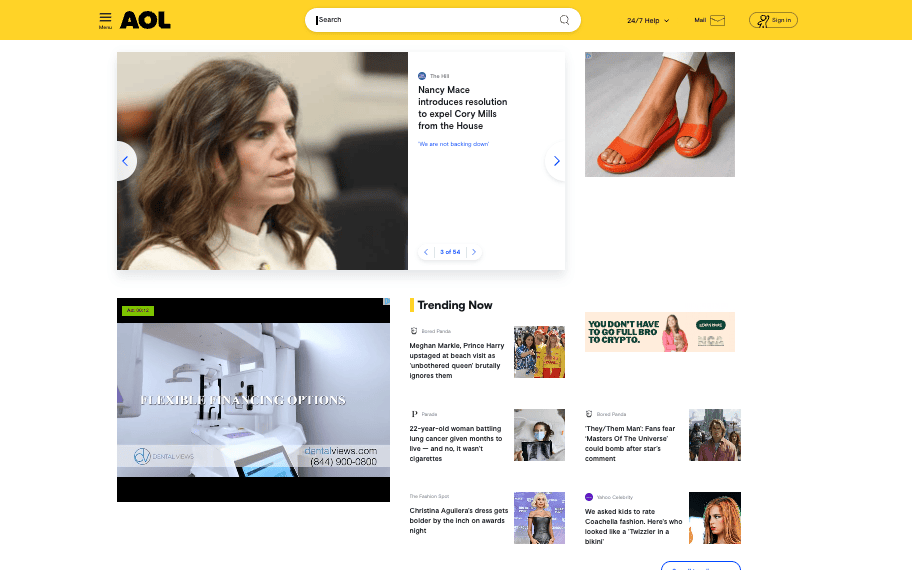
SCREENSHOTS
Full-page screenshots on Safari
Capture anything you're reading in Safari — iframes, dynamic content, tall layouts — with a single tap. Export as PNG, JPG, or PDF on Mac and iPhone.
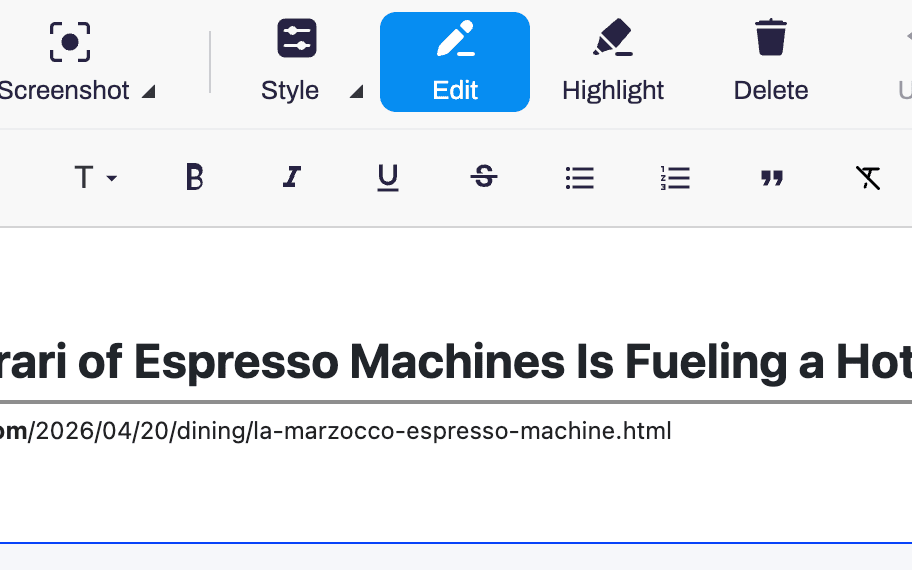
EDIT & HIGHLIGHT
Edit Safari pages before you save them
Trim text, resize fonts, drop images, and highlight what matters. Full-screen editing with undo, available in Safari on every Apple device.
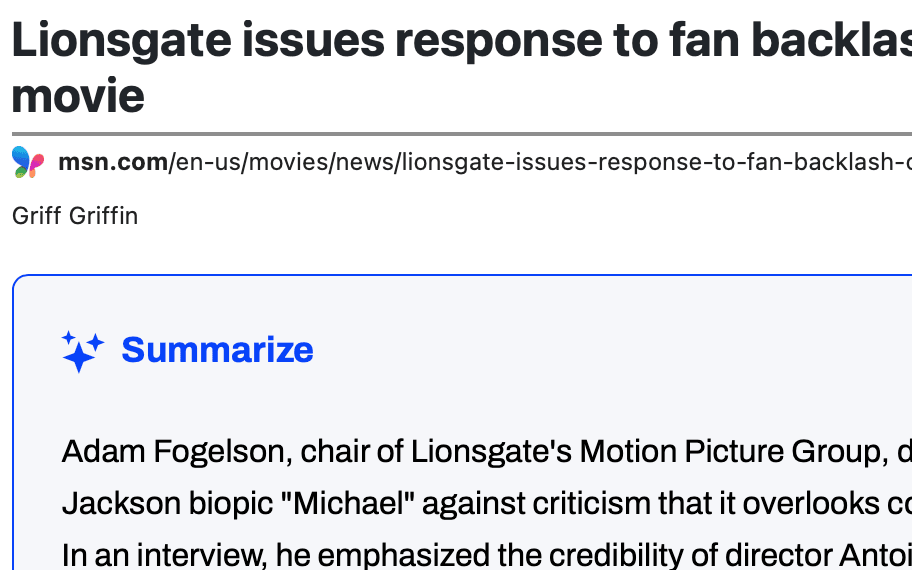
AI SUMMARIES
AI summaries inside Safari
Generate an AI-powered summary of the page you're reading in Safari on Mac or iPhone. Skim long reads and research without switching apps.
Frequently asked questions
Does PrintFriendly work on both Mac and iPhone?
Yes. Install once and PrintFriendly is available in Safari on macOS, iPhone, and iPad.
How do I enable PrintFriendly in Safari?
Open Safari → Settings → Extensions and turn on PrintFriendly. On iPhone, tap the page-settings icon in the address bar and enable it per site.
Is PrintFriendly for Safari free?
There is a small App Store charge for the Safari version.