
iPhone and iPad
Print and save any web page on your iPhone.
The PrintFriendly app turns any page into a clean copy, without ads or clutter, ready to print or save as a PDF.

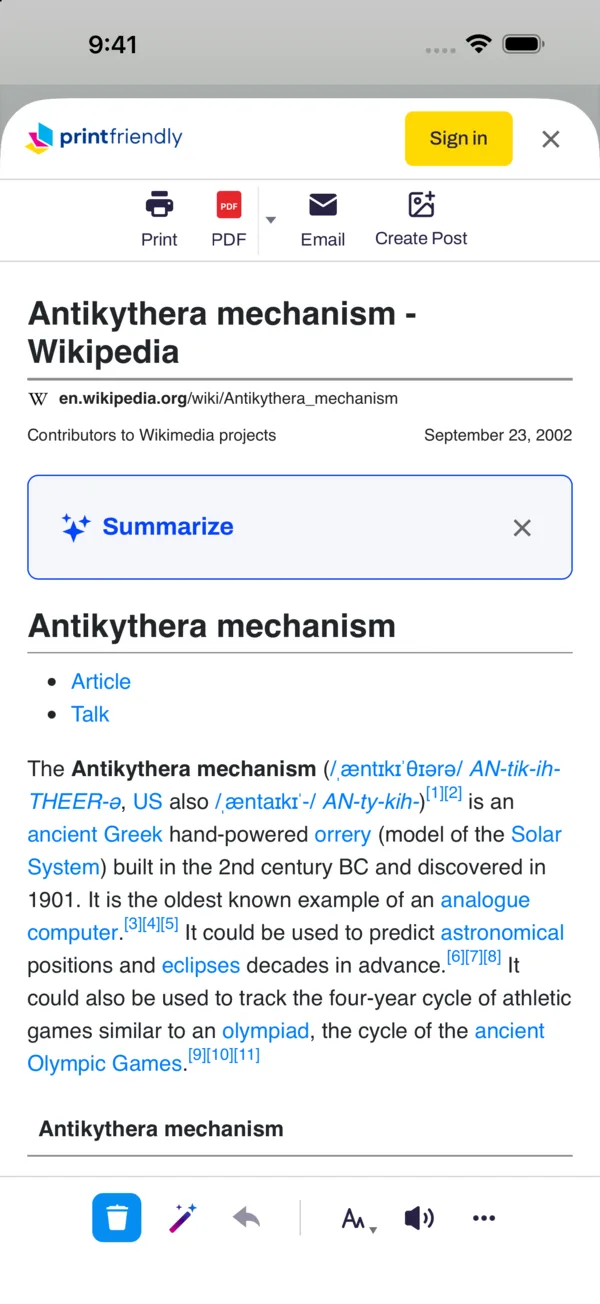
Three ways to use it
In the app
Search the web or paste a link, then tap the PrintFriendly button on the page.
From any app
Reading in Chrome, Mail, or News? Tap Share and choose PrintFriendly.
In Safari
The app puts PrintFriendly in Safari too. Turn it on once, and it's a tap away in the address bar.
Then print it, save a PDF, or delete anything you don't want first.
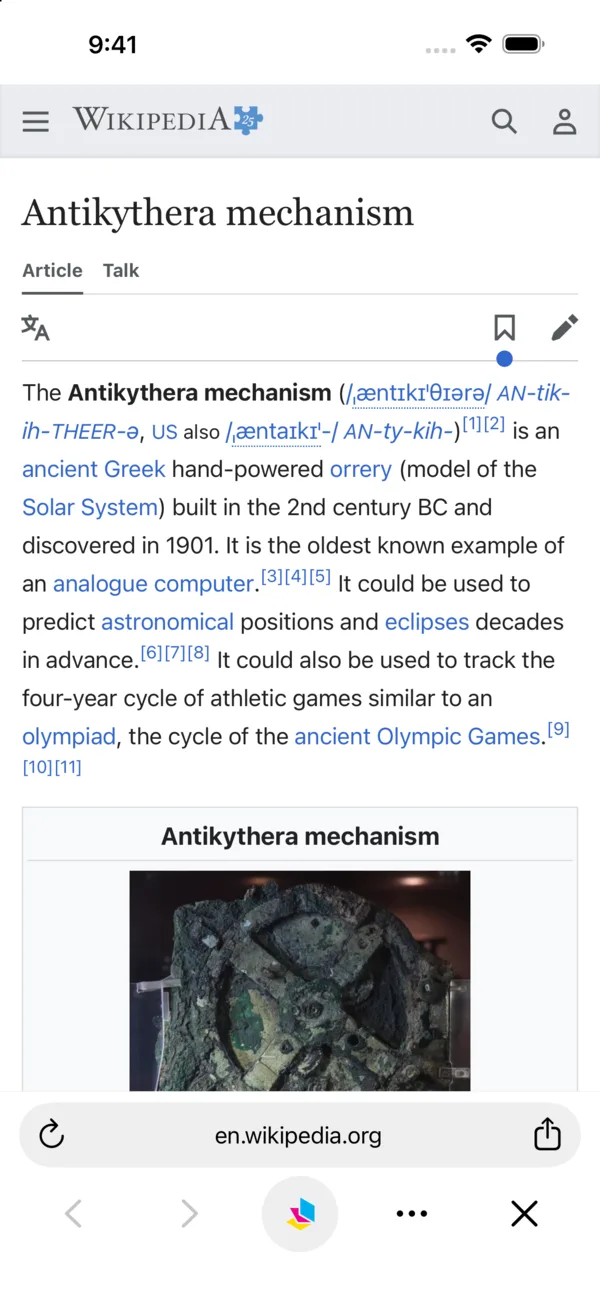
Built-in browser
A browser that cleans up the page
Open any site in the app and tap the PrintFriendly button. Ads, menus, and pop-ups drop away, and you can tap to delete anything else, change the text size, or have the article read aloud.
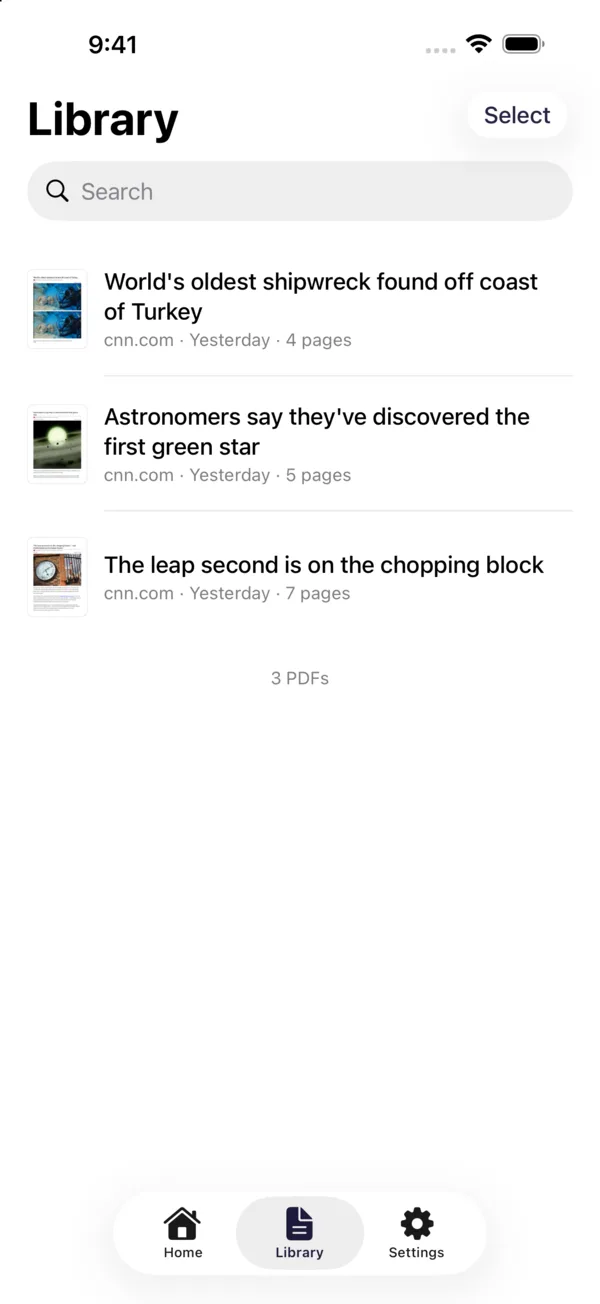
Library
Every PDF you save, in one place
Saved PDFs go to your Library, where you can search them, open them, share them, or print them again. They're in the Files app too, under On My iPhone.
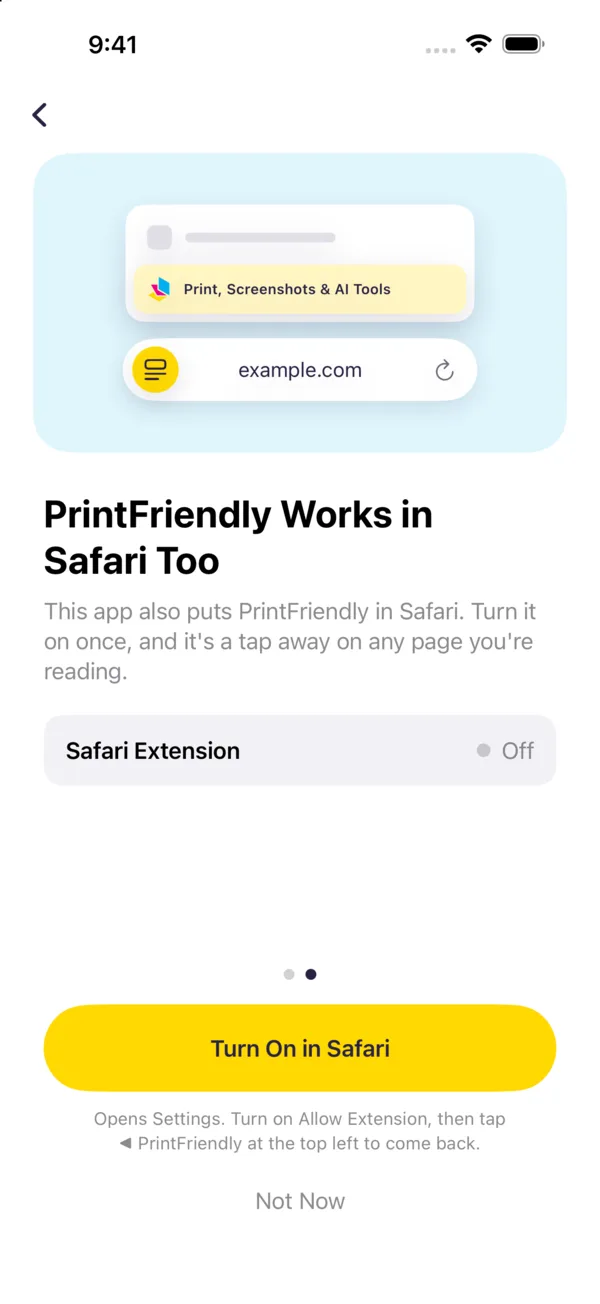
Safari extension
PrintFriendly works in Safari too
The app also puts PrintFriendly in Safari. Turn it on once, and it's in Safari's address bar on any page you're reading.
Frequently asked questions
Is the PrintFriendly app free?
Yes. Printing and saving PDFs are free. Sign in with a PrintFriendly account to email pages, use Clean Up and Summarize, and save to your cloud drives.
Which iPhones and iPads does it work on?
The app needs iOS 17 or iPadOS 17 or later. On older versions, you can still use PrintFriendly in Safari.
Can I use it with Chrome on my iPhone?
Yes. Chrome on iPhone doesn't run extensions, but you can tap Share on any page in Chrome and choose PrintFriendly. The page opens clean, ready to print or save.
Where do my PDFs go?
To the Library in the app. You can also find them in the Files app, under On My iPhone or On My iPad, in the PrintFriendly folder.
How do I turn on PrintFriendly in Safari?
Open the app and tap Turn On in Safari. Or open the Settings app, tap Apps, then Safari, then Extensions, and turn on PrintFriendly. Then, in Safari, tap the Page Menu button in the address bar (the Extensions button on iPad) and choose Print, Screenshots & AI Tools.
Is there a Mac app?
On a Mac, PrintFriendly works in Safari, as an extension from the Mac App Store. Chrome, Edge, and Firefox on a Mac have their own PrintFriendly extensions.