
Print, PDF, and email for WordPress
Add a polished print and PDF button to every post, so readers can save your content without the ads, sidebars, and headers.
What it does
PRINT & PDF BUTTON
A print, PDF, and email button on every post
Drop a polished button onto posts, pages, and archives. Readers get a clean, editable preview — no ads, sidebars, or navigation — and can save as PDF, print, or email in one click.
CUSTOMIZE
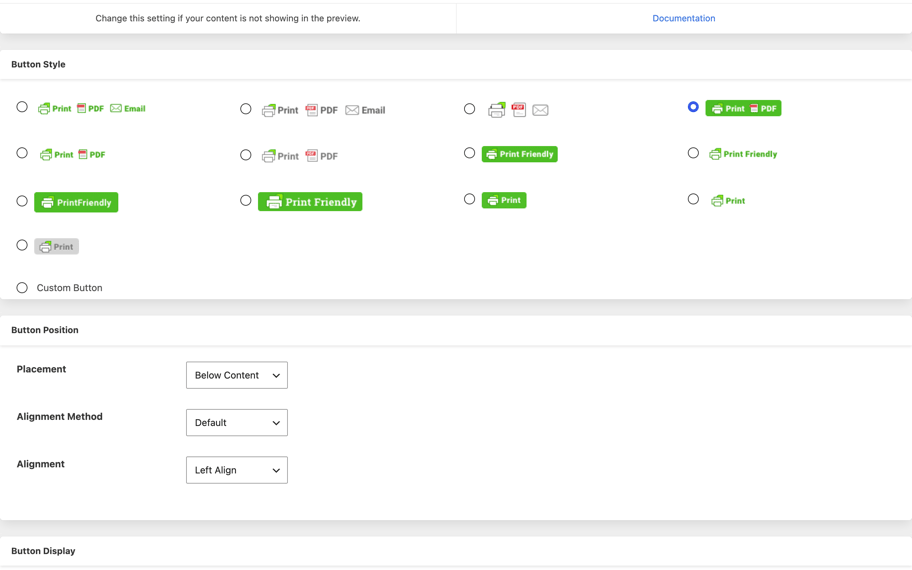
Match your brand, control placement
Choose from built-in button styles or use your own text and graphic. Turn print, PDF, and email on or off, add a custom header and footer, and include a copyright line on every export.
FULL CONTROL
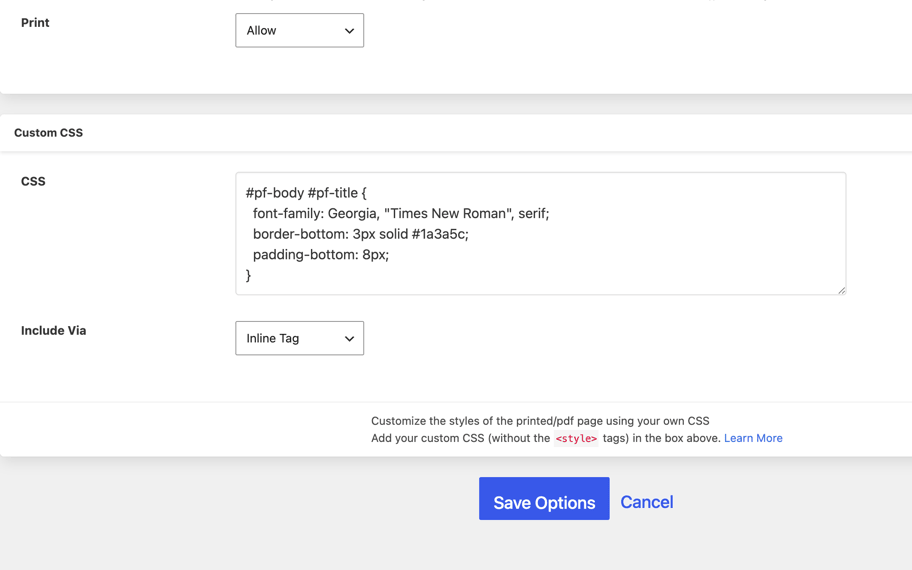
Custom CSS and content selection
Use your own CSS for complete creative control over the print and PDF page. Include or exclude any element with custom class names, so the output matches exactly what you want readers to save.
COMPATIBLE
Plays nicely with the plugins you already use
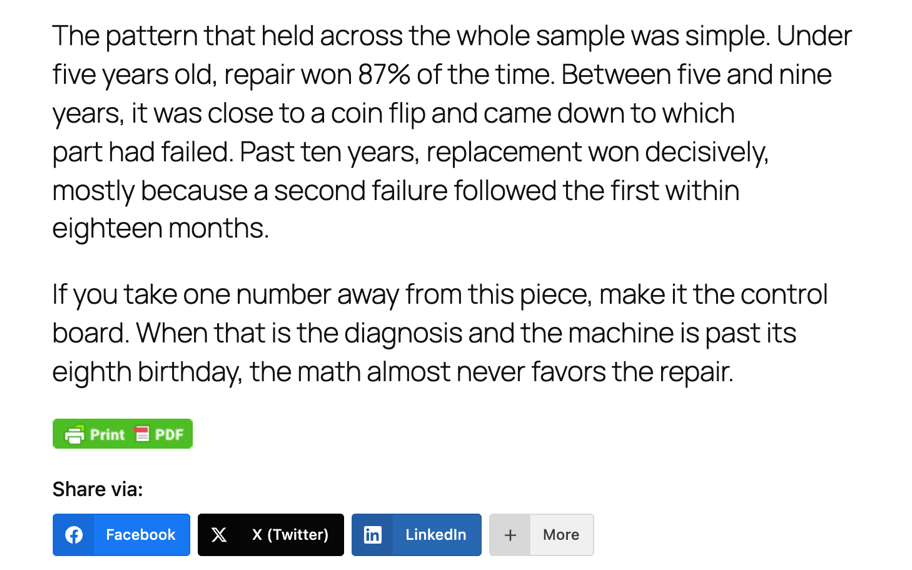
Works alongside Social Snap, Hubbub (formerly Social Pug), NovaShare, Shareaholic, and the rest of your social stack. Runs on HTTP, HTTPS, and password-protected sites, with a non-JavaScript fallback when you need it.
30+ LANGUAGES
Localized for a global audience
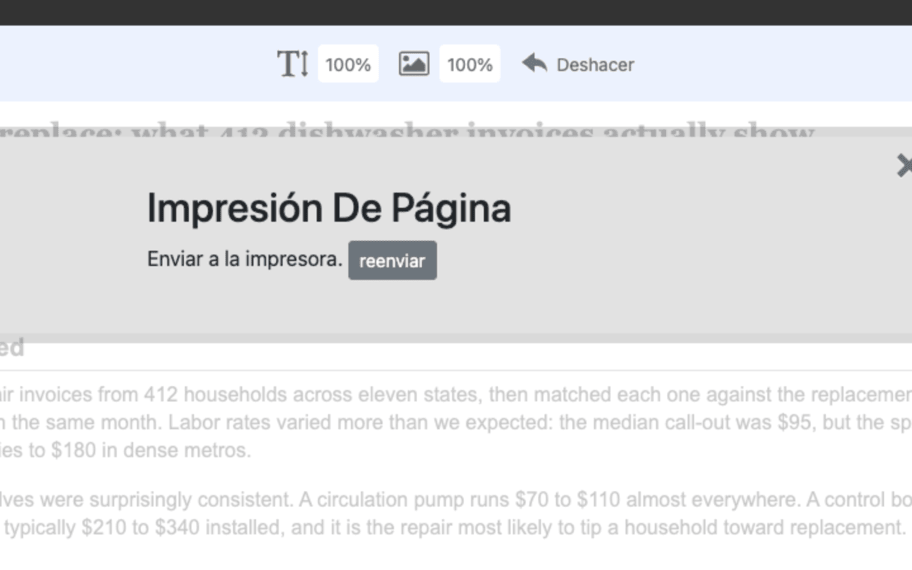
PrintFriendly detects your reader's browser language and switches automatically — English, Spanish, French, German, Italian, Chinese, Korean, and 20+ more, with no configuration required.
Built for publishers who care about their readers
Bloggers, news sites, recipe sites, educators, and anyone whose readers print or save articles for later.
Frequently asked questions
Is the plugin free?
Yes. The free version is fully functional and ad-supported — tasteful ads appear only in the print/PDF/email confirmation window, never embedded in your content. An ad-free Pro subscription is available if you prefer.
Does it work with Gutenberg, Classic Editor, and WooCommerce?
Yes. PrintFriendly automatically detects your page content, so you don't need to write a print stylesheet — it works across Gutenberg, Classic Editor, and WooCommerce product pages out of the box.
Some content isn't showing in the print preview. How do I fix it?
Use PrintFriendly's custom class names to explicitly include or exclude elements in the preview. Full instructions are in the support docs at printfriendly.com/support.
Is PrintFriendly GDPR compliant?
PrintFriendly Pro is GDPR compliant. The free version is not: it has not yet met the EU's cookie-consent requirements, and we are working on that. If you publish in the EU, use a Pro subscription for your domain.